
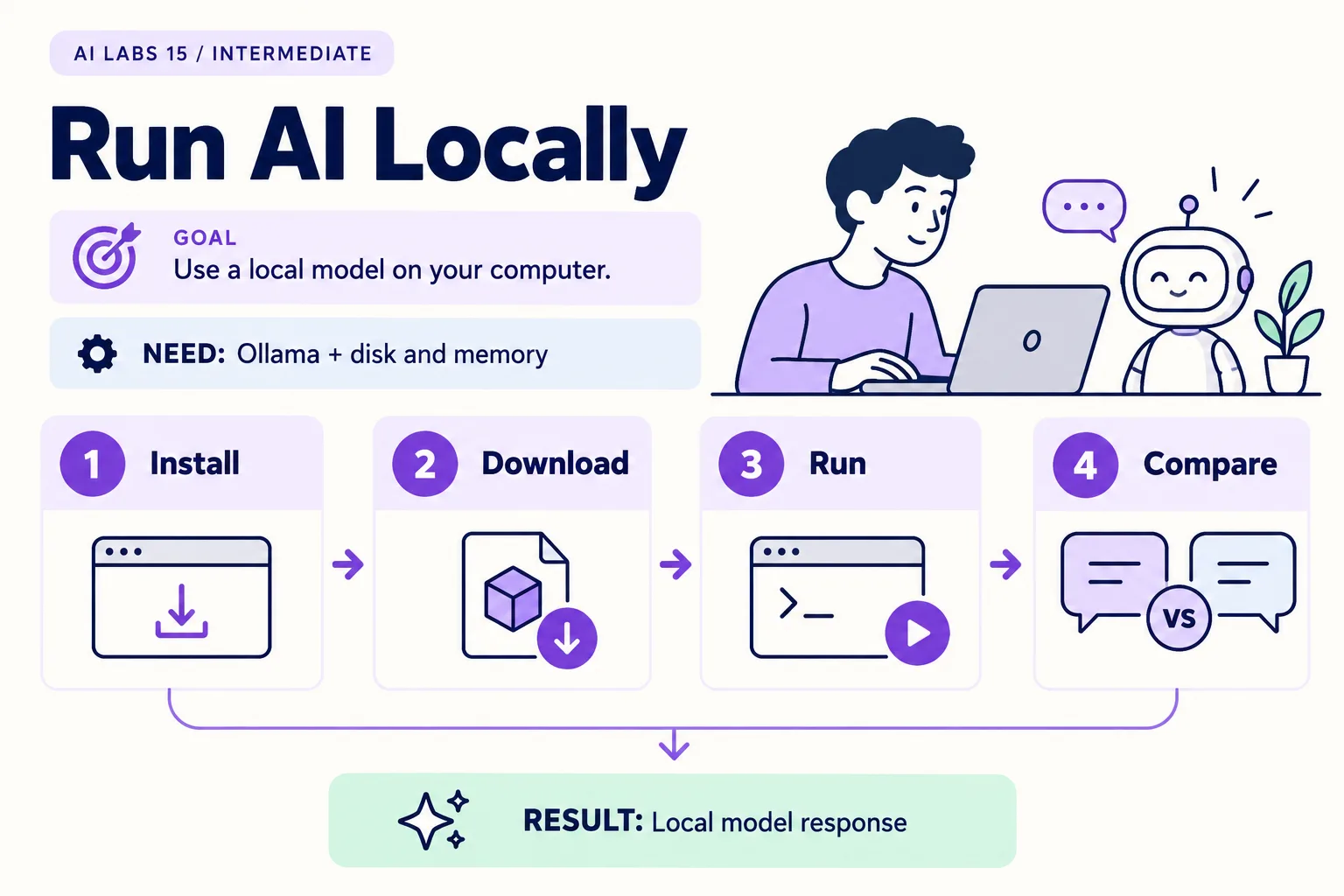
Overview: Install → Download → Run → Compare → Local model response. The infographic is a learning overview, not a screenshot of an executed result.
Level: Intermediate · Hands-on time: approximately 45 minutes, excluding long downloads or account approval · Reading time: 4 minutes
Tools and prerequisites: Computer with sufficient resources for selected model; Ollama; internet for initial download.
Cost: No provider token charge for the demonstrated local inference; hardware, electricity and download costs may apply.
Running a model locally means its inference can happen on your own computer. This lab downloads a small Ollama model, asks it to summarize fictional text, and compares that result with your earlier cloud experiment.
The finished result is a local response and a short record of speed, quality and hardware conditions. “Local” describes where a particular run executes; it does not automatically describe every feature of an application or every model in its catalog.
You will end with: a downloaded model, one verified local answer, and a comparison table you filled in yourself.
Why it matters: local models trade quality and speed for control over where a run executes. You can only judge that trade-off by testing your own task on your own hardware.
1. Install Ollama and confirm it is available
Objective: prepare the local runtime. Download Ollama from its official website and install the build for your operating system. Start the application. Open a new terminal and run:
ollama --versionVerify: a version appears. Record operating system, available memory, free disk space and whether the machine has a supported GPU. Hardware affects speed and which models fit; this guide does not promise a universal minimum-memory figure.
If the command is missing, reopen the terminal and check the official operating-system instructions. Use an approved installer on managed devices.
2. Download an explicitly local model
Objective: avoid confusing cloud-backed options with local execution. Use the documented llama3.2:1b model tag as a small teaching example:
ollama pull llama3.2:1b
ollama list
The initial download requires internet access and disk space. Read the model’s license and details before using it beyond the lab. The small model is chosen for this experiment, not because it is the strongest or newest.
Expected result: llama3.2:1b appears in the installed-model list. A download failure is not a reasoning failure; check connectivity and free space before changing the prompt.
3. Run the fictional summarization task
Objective: produce a result you can verify. Run:
ollama run llama3.2:1bThe first run may also download the model if you skipped ollama pull. At the model prompt, paste:
Use only these fictional notes. Return Request ID | Owner | Due date.
Missing values must say "not stated".
REQ-101: Mina will check the meter reading by 23 October 2026.
REQ-102: Omar will review the missing payment reference. No due date agreed.
REQ-103: A dashboard was discussed. No owner or date agreed.
Verify: Mina and Omar are not swapped, only one deadline appears, and the dashboard remains unassigned. Save the answer and time the response with a clock. A plausible table is not automatically correct.
If output is slow, close other memory-heavy applications and inspect resource use. If the model cannot fit, stop rather than treating a cloud fallback as the same local experiment.
4. Confirm the local path
Objective: gather evidence about this specific execution. After the model is downloaded and running, temporarily disconnect networking if your environment permits it, then repeat a small prompt. Restore networking afterward.
Expected result: a fully local installed model can answer without an outbound model-service request. This check is evidence for this run, not a comprehensive privacy audit. Features such as update checks, cloud models or external tools have separate behavior.
Use ollama ps in another terminal to inspect loaded models. Exit the conversation with /bye, then stop the loaded model if desired:
ollama stop llama3.2:1bVerify: ollama ps no longer lists the running model. This stops its loaded process; it does not delete the downloaded model.
5. Compare with the cloud result fairly
Objective: identify trade-offs rather than declare a winner from one example. Use the same source and prompt in your earlier browser or API setup. Record:
| Check | Local run | Cloud run |
|---|---|---|
| Correct owner/date facts | Observed | Observed |
| Missing values preserved | Observed | Observed |
| Time until usable answer | Measured | Measured |
| Model and version | Recorded | Recorded |
| Cost basis | Hardware/electricity | Plan or API usage |
Checkpoint: you know whether this small model fits your machine and how it handled one checkable task. Local inference has no provider token bill for that run, but hardware, electricity, storage and maintenance are still costs.
Recap: install, pull a named tag, run a checkable task, verify the local path, then compare on the same prompt.
Final verification checklist
- Installed model tag is recorded.
- Facts were checked against the source.
- Local-path behavior was checked where permitted.
- Hardware and timing are recorded.
Completed outcome: Local model response. Keep your result and its verification record together.
FAQs
Does Ollama always run everything locally?
No. Check the selected model and feature. This lab explicitly uses a downloaded local model.
Why might a larger model perform differently?
Model capacity, quantization, hardware and the task all affect results. Repeat your checks after changing any of them.
Related labs
Sources and research notes
Research checked on 21 October 2026. Official documentation supports the tool behavior and requirements; the fictional fixtures, walkthrough, checks and teaching sequence are original examples. Account access, plans and interface labels can change. See the library validation report for what was executed locally and what still requires a live-service run.
Frequently asked questions
Does Ollama always run everything locally?
No. Check the selected model and feature. This lab explicitly uses a downloaded local model.
Why might a larger model perform differently?
Model capacity, quantization, hardware and the task all affect results. Repeat your checks after changing any of them.
Continue your trail
You now have the Applications context.
Save this guide, continue to the next concept or return to the Knowledge Library with your context intact.
Applications
6 resources in this area.

Practical SAP notes, structured for review, reuse and long-term maintenance.
Working on an FI-CA or IS-U implementation? I take on a limited number of advisory and architecture engagements.
Get in touch →