
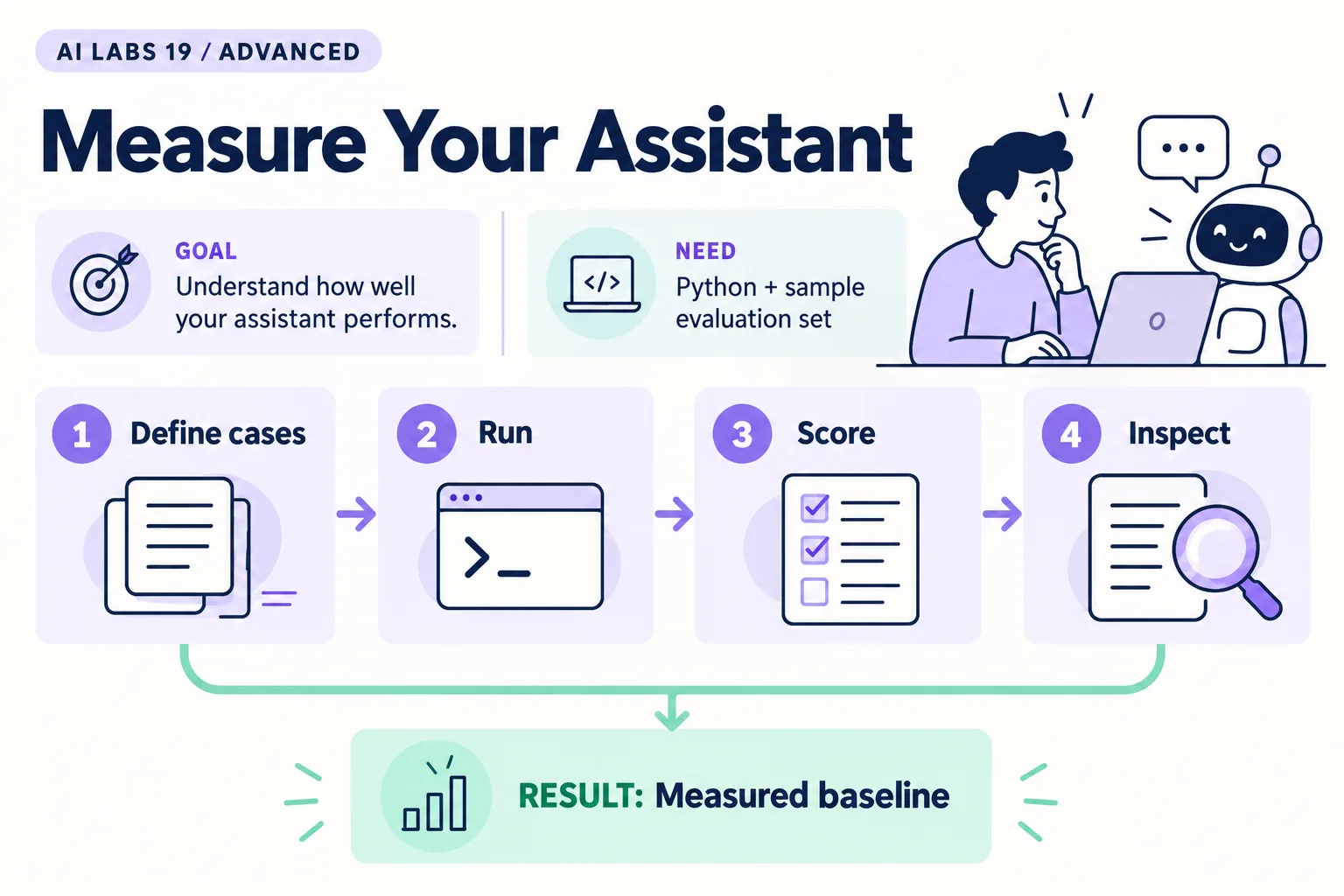
Overview: Define cases → Run → Score → Inspect → Measured baseline. The infographic is a learning overview, not a screenshot of an executed result.
Level: Advanced · Hands-on time: approximately 70 minutes, excluding long downloads or account approval · Reading time: 5 minutes
Tools and prerequisites: Python; examples folder; API access only for optional model evaluation; usage records.
Cost: Offline baseline is free of model calls; repeated API runs incur usage costs.
A useful evaluation asks a precise question: does this system behave correctly on these cases under these conditions? You will separate rule quality from model quality, create a baseline report and estimate API cost from recorded usage.
You will end with a small results file and a list of failures worth investigating.
Four passing fixtures are a regression check, not evidence that an assistant is reliable for every payment scenario.
Why it matters: a single impressive demo hides failures, cost and drift. A small, honest test set shows you where to look.
1. Define the unit you are evaluating
Objective: avoid mixing different systems into one score. The supplied evaluate.py measures payment_rules.propose, a deterministic function. It does not call a model.
Use these expected outcomes, decided before execution:
| Case | Condition | Expected action |
|---|---|---|
| PAY-001 | Unique exact reference, amount and currency | propose_assignment |
| PAY-002 | Missing reference and multiple candidates | request_review |
| PAY-003 | No candidates | request_review |
| PAY-004 | Currency mismatch | request_review |
Verify: the expected answers are independent of model output. If you change the fixture, review the expectation as a separate decision.
2. Run the offline baseline
Objective: produce a reproducible report without API spending. Use the complete examples folder and run:
python evaluate.pyThe program is:
import json
import time
from pathlib import Path
from payment_rules import CASES, propose

expected = {"PAY-001": "propose_assignment", "PAY-002": "request_review",
            "PAY-003": "request_review", "PAY-004": "request_review"}
rows = []
for case in CASES:
    start = time.perf_counter()
    result = propose(case)
    rows.append({"case_id": case["id"], "expected": expected[case["id"]],
                 "actual": result["action"], "pass": result["action"] == expected[case["id"]],
                 "milliseconds": round((time.perf_counter() - start) * 1000, 3)})
Path("evaluation.json").write_text(json.dumps(rows, indent=2), encoding="utf-8")
print(f"{sum(row['pass'] for row in rows)}/{len(rows)} deterministic baseline cases passed")
print("Model tokens: 0. This script measures rules, not model quality.")
Expected result: 4/4 deterministic baseline cases passed, plus evaluation.json. Inspect every row, not just the aggregate. Its millisecond values measure only local rule execution; they must not be reported as model latency.
3. Evaluate the model separately
Objective: record actual agent behavior. For each known case, run the agent from the previous lab with the same model and prompt, reject the simulated decision, and record:
Run ID | Case ID | Model | Proposal action | Expected action |
Validated? | Human check | End-to-end seconds | Error/refusal
Repeat each case three times if your budget permits, preserving all runs. Three repetitions is a small exploratory choice, not a statistical guarantee. Count an error or incomplete answer separately rather than deleting it from the denominator.
Verify: model quality claims come from observed model runs, while the baseline report remains labeled as rules. If you have not run the API cases, write “model evaluation not performed.”
4. Calculate cost from returned usage
Objective: attach spending to evidence. Inspect usage.jsonl, which the API helper in common.py appends to on each paid request. Sum returned input and output tokens for the runs you measured. Retrieve current rates for that exact model and account mode.
For rates quoted per million tokens:
Estimated text-token cost =
(input_tokens / 1,000,000 × applicable_input_rate)
+ (output_tokens / 1,000,000 × applicable_output_rate)
If cached input has a distinct rate, separate cached from uncached input. Include any applicable tool, service, storage or platform charges separately. Use the billing dashboard as the authoritative charged total; this simple formula is an estimate.
Common mistake: applying a familiar model’s prices to a different returned model ID, or treating subscription usage as a directly measured per-call charge.
5. Inspect the failures by cause
Objective: choose a fix supported by the evidence. Categorize failures as retrieval, rule logic, model interpretation, output parsing, access/limit, or human-interface problems. Keep the failing input and observed output.
Add at least two new cases before the next evaluation: duplicated candidates and an invalid amount. Decide whether validation should reject them before calling the model. Do not revise a prompt and report improvement on only the examples used to tune it; retain a separate set of unseen cases.
6. Set a release decision
Objective: turn the report into an action. For a learning lab, require all fixture checks and no forged-account acceptance. For a business POC, define thresholds with the process owner before running a representative test set. Include escalation rate, reviewer time, unsafe proposal rate, and data-access failures.
Checkpoint: your report names the tested system, sample size, date, model/version when relevant, failures, costs and limitations. It does not turn a four-case pass into a production-readiness claim.
Final verification checklist
- Rule and model results are separated.
- Expected outcomes were fixed before running.
- Failures and incomplete runs remain visible.
- Cost uses actual usage and applicable rates.
- Sample-size limits are stated.
Completed outcome: Measured baseline. Keep your result and its verification record together.
FAQs
What is the accuracy of this agent?
No universal accuracy is asserted. Report the observed pass rate for the exact evaluated cases and runs.
Should refusals count as failures?
Record them explicitly. Whether they are correct depends on the case expectation; never silently discard them.
Related labs
- Build an AI Agent That Uses Tools and Asks for Approval
- Build a SAP Knowledge Assistant with Sample Documents
Sources and research notes
Research checked on 21 October 2026. Official documentation supports the tool behavior and requirements; the fictional fixtures, walkthrough, checks and teaching sequence are original examples. Account access, plans and interface labels can change. See the library validation report for what was executed locally and what still requires a live-service run.
Recap
You measured the rules offline, kept model runs separate, priced them from recorded usage, and wrote down limits instead of claiming accuracy.
Next lab
Save the baseline report, then apply the same discipline in the SAP knowledge assistant.
Frequently asked questions
What is the accuracy of this agent?
No universal accuracy is asserted. Report the observed pass rate for the exact evaluated cases and runs.
Should refusals count as failures?
Record them explicitly. Whether they are correct depends on the case expectation; never silently discard them.
Continue your trail
You now have the Architecture context.
Save this guide, continue to the next concept or return to the Knowledge Library with your context intact.
Architecture
7 resources in this area.

Practical SAP notes, structured for review, reuse and long-term maintenance.
Working on an FI-CA or IS-U implementation? I take on a limited number of advisory and architecture engagements.
Get in touch →