
The most useful way to read invoice XML is to connect each element to a business fact. Start with the invoice number, date and currency, then trace the parties, lines and totals.
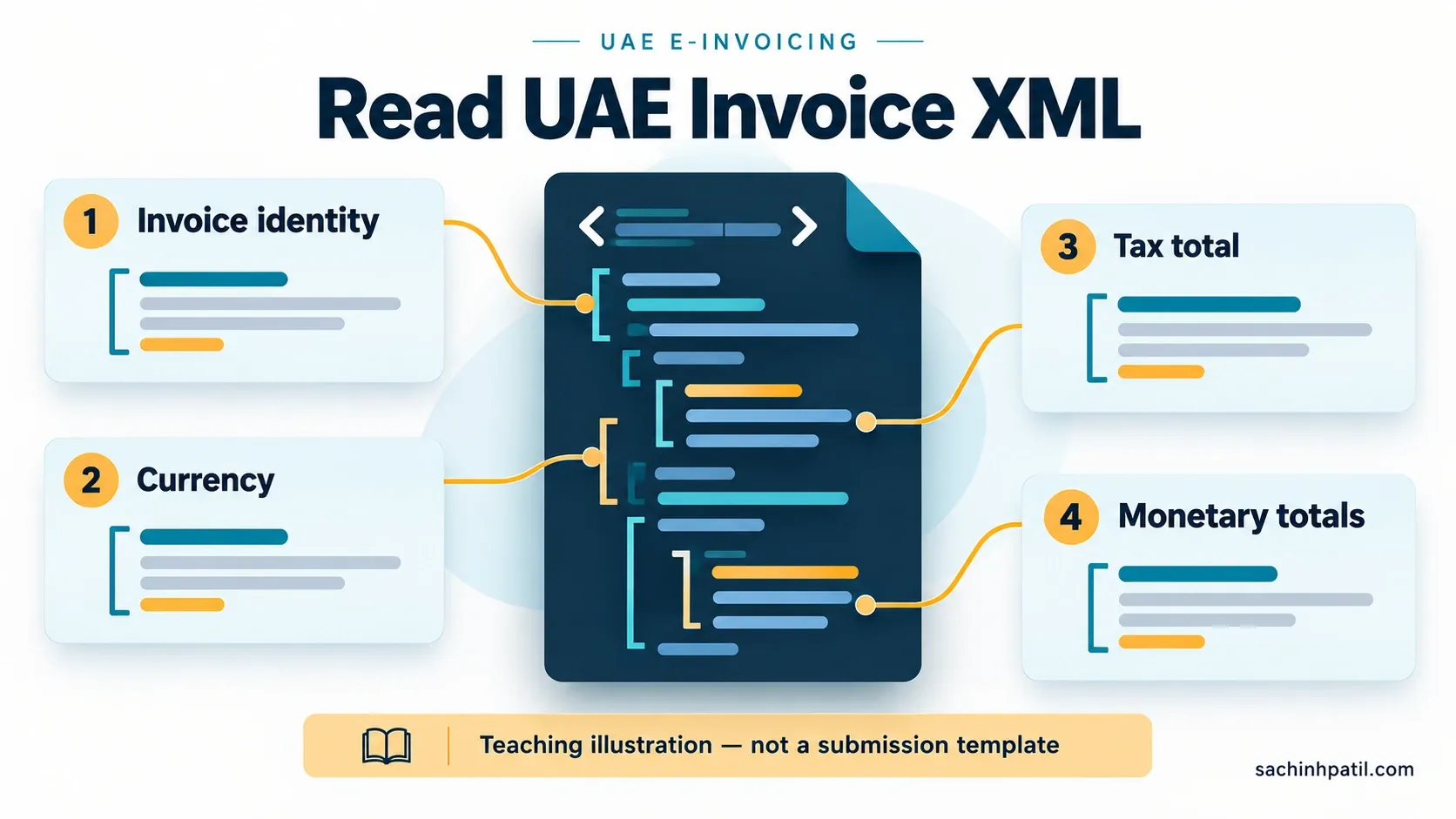
The published UAE specification index currently lists PINT-AE Billing, Self-Billing and Tax Data Document version 1.0.4. Pin the actual specification and validation artefacts used in your project rather than relying on a version number copied into an old document. Official UAE specification index.
The teaching scenario
Use a synthetic service invoice dated 21 October 2026, with AED 1,000 net value, assumed VAT of AED 50, no prepayment and no rounding. The teaching amount due is AED 1,050.
These are arithmetic inputs for this example. The transaction’s actual tax treatment must be established separately.
Read the excerpt
This XML is an intentionally incomplete structural excerpt. It omits required content and has not been validated as a compliant invoice. Do not submit it.
<Invoice xmlns="urn:oasis:names:specification:ubl:schema:xsd:Invoice-2"
         xmlns:cbc="urn:oasis:names:specification:ubl:schema:xsd:CommonBasicComponents-2"
         xmlns:cac="urn:oasis:names:specification:ubl:schema:xsd:CommonAggregateComponents-2">
  <!-- Other required process and identity content is omitted. -->
  <cbc:ID>INV-DEMO-001</cbc:ID>
  <cbc:IssueDate>2026-10-21</cbc:IssueDate>
  <cbc:DocumentCurrencyCode>AED</cbc:DocumentCurrencyCode>
  <!-- Required party, tax breakdown and line content is omitted. -->
  <cac:TaxTotal>
    <cbc:TaxAmount currencyID="AED">50.00</cbc:TaxAmount>
  </cac:TaxTotal>
  <cac:LegalMonetaryTotal>
    <cbc:LineExtensionAmount currencyID="AED">1000.00</cbc:LineExtensionAmount>
    <cbc:TaxExclusiveAmount currencyID="AED">1000.00</cbc:TaxExclusiveAmount>
    <cbc:TaxInclusiveAmount currencyID="AED">1050.00</cbc:TaxInclusiveAmount>
    <cbc:PayableAmount currencyID="AED">1050.00</cbc:PayableAmount>
  </cac:LegalMonetaryTotal>
</Invoice>
The namespace declarations identify the vocabularies used by the document. The cbc prefix introduces basic elements and cac groups aggregate structures. Exact order, required content and binding must follow the applicable specification. Official invoice syntax binding.
Connect structure to meaning
| Element in the excerpt | What to review |
|---|---|
cbc:ID |
The invoice’s business identifier |
cbc:IssueDate |
The issue date, with the intended source meaning |
cbc:DocumentCurrencyCode |
The invoice currency |
cac:TaxTotal |
Tax totals and their relationship to omitted breakdown details |
cac:LegalMonetaryTotal |
Related monetary totals and amount due |
An element’s position also matters. An ID inside a reference group does not represent the same business fact as the invoice’s own ID. Review the full path rather than searching only by tag name.
What this excerpt leaves out
A real document needs its applicable process identifiers, parties, electronic identities, invoice lines, tax details and scenario content. The omissions make the excerpt readable; they are not optionality guidance.
Use an official complete example as the starting point for implementation, then apply your own scenario and pinned rules. Keep the teaching excerpt visually separate from any validated downloadable sample.
How to review generated output
First establish that the XML can be parsed. Then apply the relevant schema and semantic checks, review code-list use, and reconcile the business data. Finally, trace exchange and reporting outcomes in the actual integration.
Saving a file with an .xml extension proves none of those results. Capture the validator version and output when reporting a successful test.
Next step: use the mapping guide to trace source values and the validation tutorial to understand different failure layers.
Reference diagram
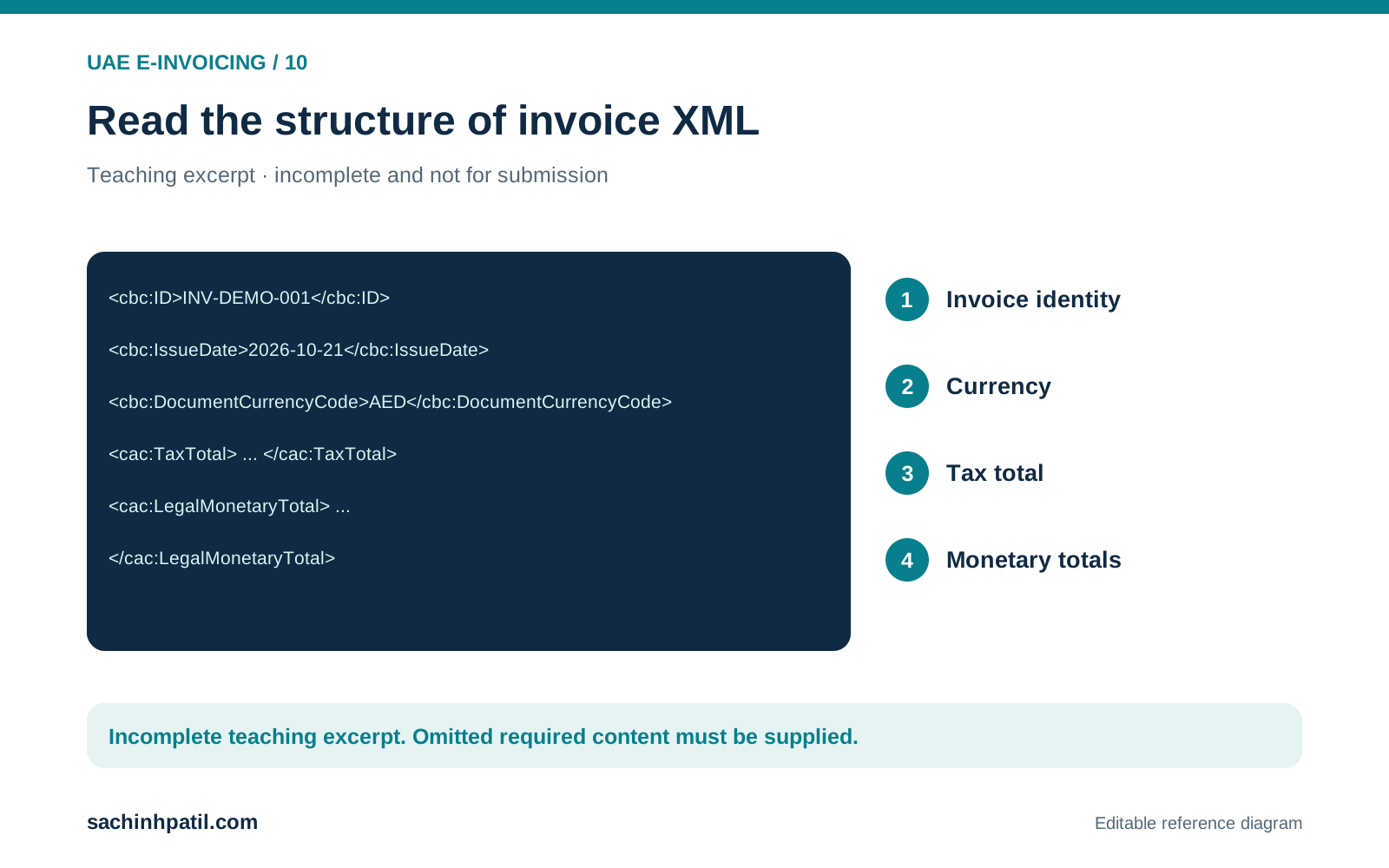
The excerpt explains selected structures and deliberately omits required content.
Continue your trail
You now have the e-Invoicing context.
Save this guide, continue to the next concept or return to the Knowledge Library with your context intact.
e-Invoicing
3 resources in this area.

Practical SAP notes, structured for review, reuse and long-term maintenance.
Working on an FI-CA or IS-U implementation? I take on a limited number of advisory and architecture engagements.
Get in touch →