
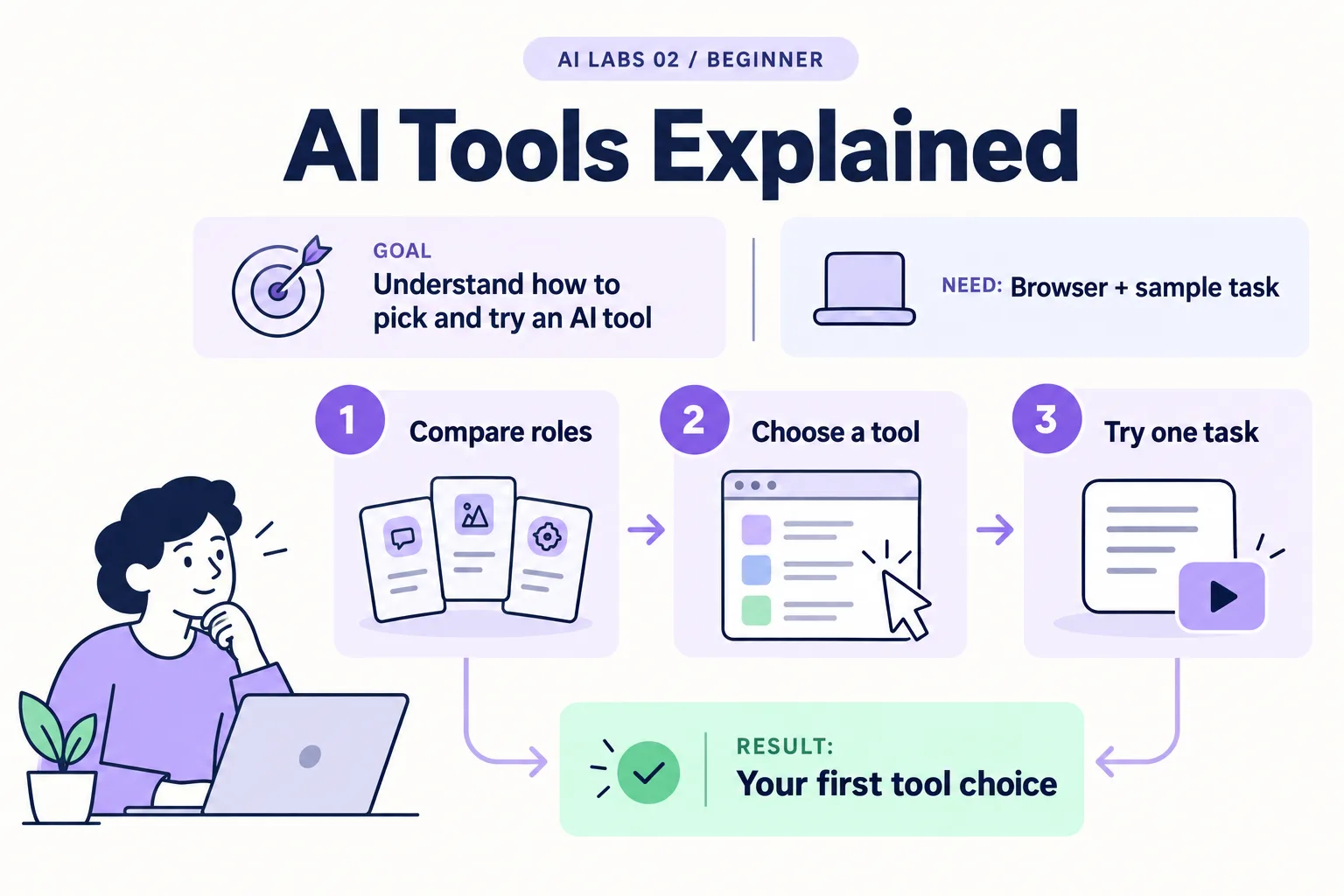
Overview: Compare roles → Choose a tool → Try one task → Your first tool choice. The infographic is a learning overview, not a screenshot of an executed result.
Level: Beginner · Hands-on time: approximately 20 minutes, excluding long downloads or account approval · Reading time: 4 minutes
Tools and prerequisites: Browser; text editor optional.
Cost: No purchase required for the decision exercise. Paid features vary by provider.
“Which AI tool should I install?” is the wrong first question. It becomes easier when you separate four jobs: chatting, editing files, delegating coding work, and calling a model from a program. You do not need every tool to start.
You will end with a short decision note naming one tool and one small task. This lab uses a fictional request so you can compare roles without uploading company files.
1. Match the tool to the job
Objective: understand the names before installing software. Read this role map:
| Tool or term | Main role in this series | First useful task |
|---|---|---|
| ChatGPT / Claude | Conversational assistants | Summarize fictional notes |
| VS Code | Editor for project files | Open and change a text file |
| Cursor | Editor with AI coding workflows | Build and review a small browser app |
| Claude Code / Codex | Coding agents that can work on projects | Inspect files and propose a verified change |
| OpenAI API | Interface your program uses to request model output | Run a Python summarizer |
| Model | System generating the response | Produce text from a prompt |
An editor is your workspace. An agent can use tools to act within a workspace. An API is a programmatic interface, not a separate chat subscription. Specific account entitlements and billing depend on the product and plan.
Why it matters: picking a tool by name rather than by job is the most common way beginners waste a week on setup.
Verify: you can explain why installing VS Code alone does not create an OpenAI API account. If you cannot, reread the role column rather than comparing model names.
2. Choose a real outcome
Objective: avoid choosing software without a purpose. Copy this decision template into a note:
My task:
My finished result:
Do I need to change project files? yes/no
Can I inspect the result myself? how?
What data will I share?
My budget limit:
My first tool:
Why it fits:
For a first task, write: “Turn three fictional service notes into a checked action list.” The result is a table, no project files must change, and you can verify owners and dates manually. A browser assistant is sufficient.
Expected result: your choice follows from the task. “Everyone is using it” is not a verification method.
3. Test the chat path
Objective: get a small result without installing a development environment. Start a fresh browser chat and send:
Fictional request: A customer reports a missing payment reference.
Explain this request in one sentence. List two facts we still need.
Do not approve a refund or assume the payment was received.
Verify: the response preserves the uncertainty and asks for evidence, such as payment date or reference information. It should not claim to have checked a bank or SAP system. It has not been given those tools.
If it produces a long answer, request one sentence and two bullets again. A smaller task is easier to assess.
4. Understand the coding path before you use it
Objective: know what changes when an assistant can operate on files. A coding agent may read files, change them, and request terminal actions. Its available permissions determine what it can actually do.
Write a starter instruction for a future coding session:
Work only in this sample project. Explain your plan first.
After making a change, list the changed files and how to verify it.
Ask before installing dependencies or sending data to an external service.
Expected result: you have a working agreement, not a technical security boundary. Permissions must also be enforced by the tool and environment. Do not assume a prompt alone restricts file access.
5. Pick your next route
Objective: leave with one achievable next action. Choose a chat lab if you want clearer writing or extraction. Choose the VS Code setup if you want to work with files. Choose the API lab after learning the terminal and Python setup.
Verify: your note contains a finished result and a way to check it. You can change your tool choice later without losing the task definition.
Final verification checklist
- One task and one outcome are defined.
- The chosen tool matches the task.
- You know which data will be shared.
- You have a verification method.
Recap: chat assistants answer, editors hold files, agents act inside a workspace, APIs let your own program call a model. Match the job first.
Completed outcome: Your first tool choice. Keep your result and its verification record together.
FAQs
Do I need Cursor and VS Code?
No. Pick one editor for the current lab; alternatives are optional.
Does a chat subscription automatically include API usage?
Do not assume it does. Check the API account’s separate access and billing before making requests.
Next lab
Write Better AI Prompts: A Before-and-After Lab turns your first task into a reusable, testable prompt.
Related labs
- AI for Complete Beginners: Your First Useful Experiment
- Write Better AI Prompts: A Before-and-After Lab
Sources and research notes
Research checked on 21 October 2026. Official documentation supports the tool behavior and requirements; the fictional fixtures, walkthrough, checks and teaching sequence are original examples. Account access, plans and interface labels can change. See the library validation report for what was executed locally and what still requires a live-service run.
Frequently asked questions
Do I need Cursor and VS Code?
No. Pick one editor for the current lab; alternatives are optional.
Does a chat subscription automatically include API usage?
Do not assume it does. Check the API account's separate access and billing before making requests.
Continue your trail
You now have the Foundations context.
Save this guide, continue to the next concept or return to the Knowledge Library with your context intact.
Foundations
5 resources in this area.

Practical SAP notes, structured for review, reuse and long-term maintenance.
Working on an FI-CA or IS-U implementation? I take on a limited number of advisory and architecture engagements.
Get in touch →